cinch

A closer look at your horse’s day.

See how owners and barn teams keep care, photos and plans connected. Pick a question, then follow it through Cinch.

Explore the owner and manager phone apps ↗
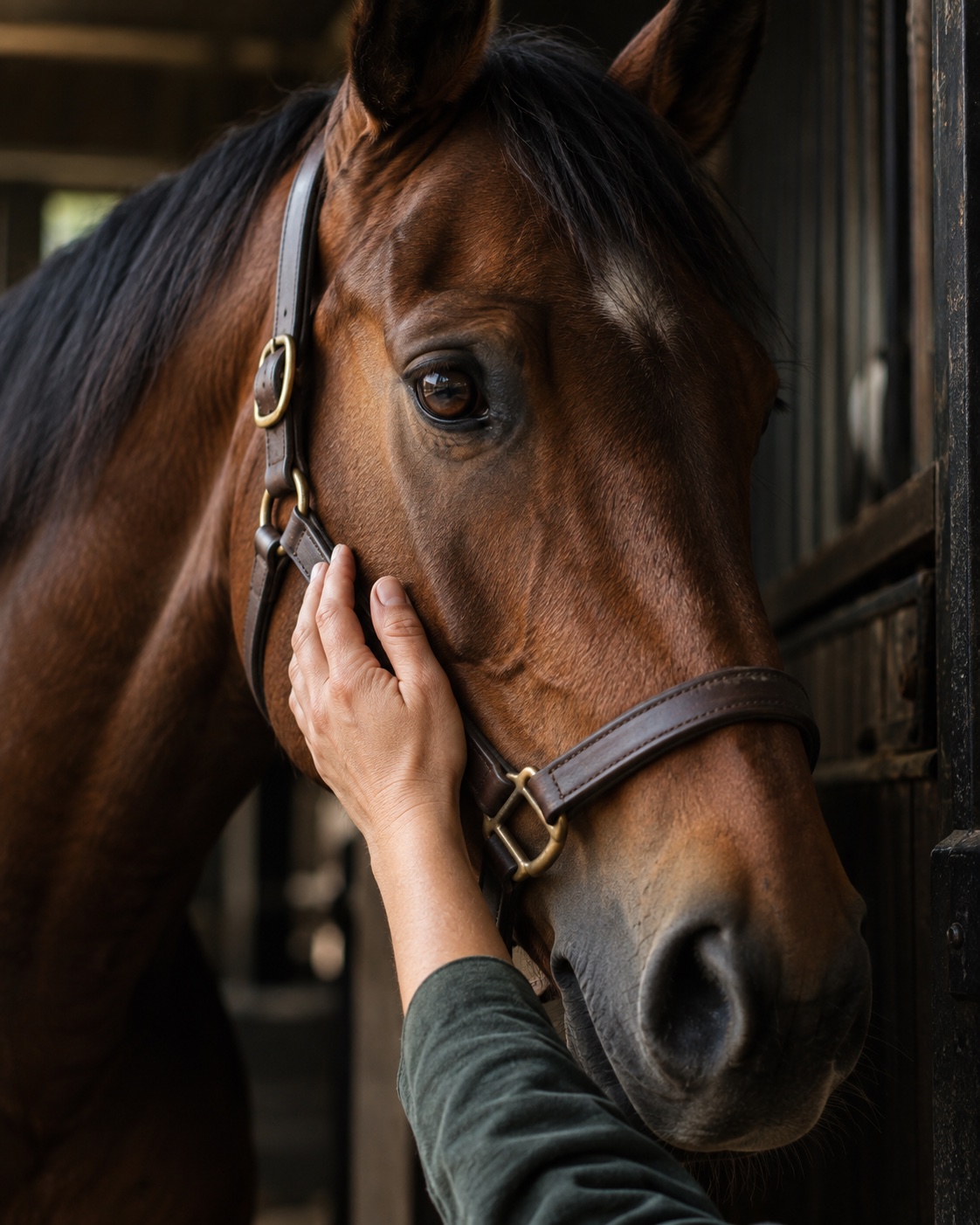
A horse being cared for at the barn

What would you like to do?

For horse owners21 secondsSilent walkthrough

How can I see photos of my horse while I’m away?

Follow Cori’s owner home and open a captioned horse photo.

Download video ↓
About these recordings

Recorded with sample data at Andover Equestrian, with Marissa, Cori and Tawny. Jamie Brooks and Sam Rivera are fictional team members. Care, prices, photos, other people and availability are illustrative. All videos are silent. Mobile demos use step-by-step screen captures with pauses for readability. The photo journal uses current app captures; the other workflows have refreshed opening and closing titles. No real payment, email or text message is sent.

Prefer the complete walkthrough?

Watch every workflow in one video.

Watch the full mobile walkthrough ↗

Start with a plan for the day.

How do I plan a vet visit?

Owner: send the barn a request with your preferred date and what the vet needs to see. Manager: confirm the provider, schedule the appointment with the right horses, and assign preparation tasks. Keep the resulting vet record with the horse.

See horse records · See schedulingAppointment coordination is available. Cinch does not book directly with the vet’s practice.

What are my options when I’m going on vacation?

Tell the barn your dates, emergency contact and any extra care your horse needs. Ask about grooming, exercise or blanket changes. The manager confirms the care, assigns tasks and agrees any charges; you can check completed care and your horse’s photo journal while away.

See a care request through to completionRequests and scheduled care are available. A dedicated vacation care package is on the roadmap.

How do I book a lesson?

Ask the barn for a lesson with your horse, preferred trainer and time. The manager confirms the trainer and schedules the appointment, then reserves the arena if needed. Review the confirmed details in your calendar.

See arena bookingManager-coordinated appointments and arena reservations are available. Self-service trainer availability and recurring lesson series are next.

What can I take care of in Cinch today?

These workflows are implemented and can be explored in the demo. The recordings show representative paths through every main module; they do not constitute acceptance testing of connected external services.

AreaAvailable functions
Daily careTasks, assignments, overdue work, recurring routines, owner requests, incidents, completion history and in-app alerts.
Horse recordsHorse directory, multiple owners, billing responsibility, stall assignments, feed, medication, turnout instructions, health notes, tagged photo journals, captions and activity.
Facilities and calendarDay, week and month views; capacity and exclusive bookings; operating hours; closures, conflict cancellation and reopening.
Barn layoutEditable grid, shared spaces, stall assignments, resizing, renaming, keyboard controls, undo, redo and saved versions.
Owner portalHorse-specific access, care history, requests, private files, invoices, service charges and payment settings.
Billing administrationService catalog, quantities, recurring monthly plans, prospective price changes, invoice adjustments, charge exports and payment records.
Team administrationAdministrator, manager, staff and owner permissions; invitation and revocation controls; multiple barns; activity log and preferences.
Boarder inquiriesPublic boarding pages, shareable links and post text, capacity-limited visit times, visitor inquiries and manager confirmation.
Files and reportingPrivate uploads and authorized access, care and billing reports, charge exports, scheduled routines and operational history.
Connected services need acceptance testing. Supabase sign-in and invitations, Stripe Checkout, saved payment methods, autopay, payment webhooks and refunds have implementation paths but are not connected in this demo. A successful live payment, delivered invitation or refund is not demonstrated here. Notifications shown in the app are in-app notifications.

What comes next

The first launch is a small operational pilot, followed by connected billing after its acceptance checks pass.

  1. Prepare the first barn

    Confirm Marissa’s team, Cori’s account, Tawny’s actual care instructions, the horse roster, facilities and rates. Create an isolated production database and private file storage. Replace the fictional staff before granting access.

  2. Verify access and operations

    Connect real sign-in and invitations once account emails are supplied. Test permissions and revoked access, phones in the barn, recurring jobs, alerts, backups, restoration and rollback. Rehearse a complete shift with Marissa’s team.

  3. Accept connected billing

    Decide how payments reach the barn, connect Stripe and verify Checkout, signed and duplicate webhooks, declines, consent, autopay, refunds and reconciliation. Keep the existing billing process during the care pilot.

  4. Extend the product

    Priorities after the pilot: transactional email and SMS, offline work and synchronization, larger-barn performance, recurring lesson series and calendar synchronization. Tax, proration, disputes and accounting integrations need separate scope and acceptance.

Talk about bringing Cinch to your barn